

LED vs laser vs inkjet printers: which is right for your office?
How LED printing works and how it differs from laser
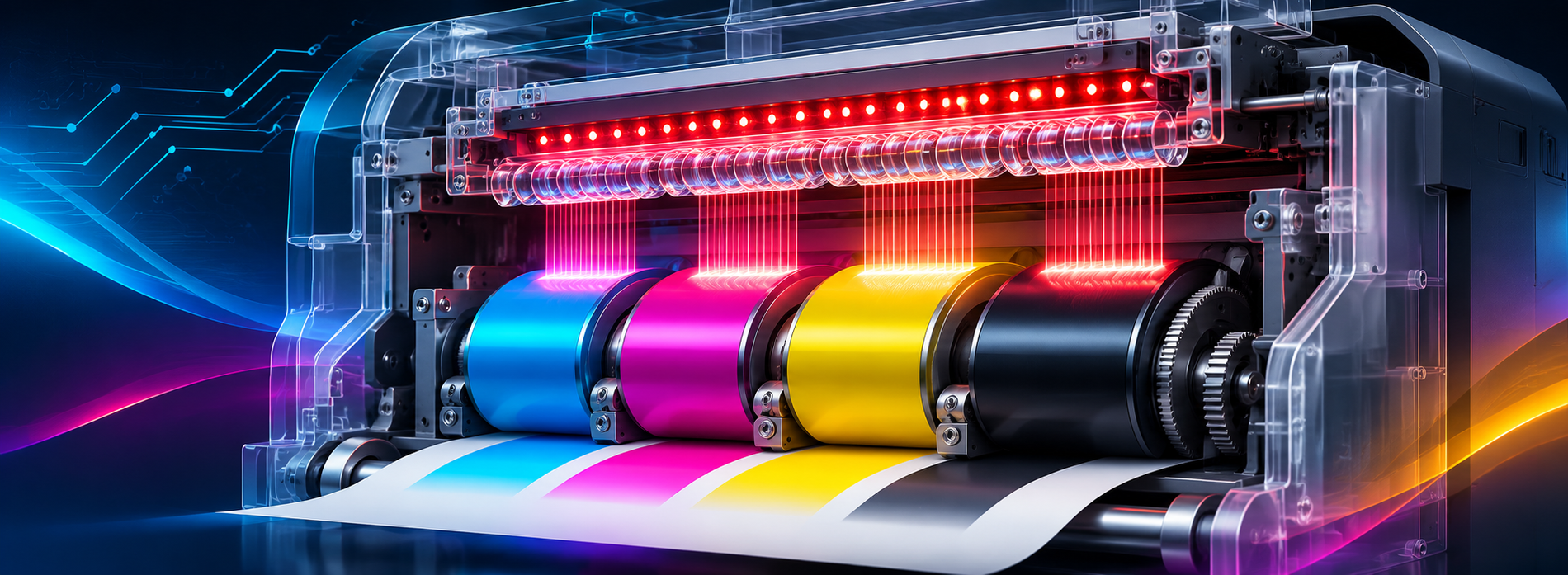
Inkjet printers use liquid ink sprayed directly onto the paper which requires time to dry and is genrally slower, while laser and LED printersbuild an image of the page on a set of light sensitive drums, which pass through the relevant colours of toner and attract it on any area exposed to the light of the Laser (or LED).
As each colour is added the image builds into the finished page, which is the transferred onto the paper and heat is applied to fix the image, no drying time is required.
OKI says that a Laser printer scans a laser beam back and forth across the drum, switching it on and off to produce the image, whereas LEDs printers mount multiple LEDs directly above the drum and "flash" the entire line all at once".
For document-heavy office print, Which? says lasers usually cost less per page than cartridge inkjets, and LED printers use toner too.
To choose between LED and laser, compare each model's speed, size, running costs and duty cycle (its rated monthly page volume). OKI says it "pioneered the use of LED technology in printers for over three decades".
Explaining OKI's digital LED technology, the company says "LED printers can print faster, improving productivity". It adds: "As the LED print heads don't move, LED printers can be much smaller than other devices."
LED vs inkjet running costs for an office
For regular office print, toner usually wins. The Which? inkjet vs laser guide says lasers "print a lot more pages from each toner cartridge".
So "the cost per black-and-white or colour page is usually much less". Which? also says an ink tank printer "costs a lot less to print than a laser".
| Technology | Consumable type | Main cost drivers | Print volume suitability | Maintenance |
|---|---|---|---|---|
| Inkjet | Ink cartridges or tanks | Cartridges; ink used in cleaning (Which?) | Check rated monthly volume | Nozzles can block (Which?) |
| Laser | Dry toner and drum | Toner yield; usually lower cost per page (Which?) | Heavier workloads (Which?) | Toner doesn't dry out (Which?) |
| LED (OKI C6, B4/B5) | Dry toner; separate toners and image drums (C6) | Toner yield: 3,000, 7,000 or 12,000 pages (B433/B513 spec sheet) | Recommended duty cycle: 10,000 pages/month (B433/B513 spec sheet) | OKI cites "fewer moving parts" and a user-replaceable fuser (B4/B5) |
Rather than chase a cost-per-page figure, compare yields with your monthly page count. OKI also offers a free consumables recycling service for genuine OKI Original toner cartridges and image drums.
Print quality, speed and reliability compared
For two-sided documents, OKI's LED page says LED "fuses the toner onto paper", which "eliminates show-through when duplexing". Which? says lasers are "normally faster than inkjets". The C651 colour LED printer "Prints at 35 A4 pages per minute", and OKI says its "48% metal construction increases reliability and durability".
The ENERGY STAR imaging equipment criteria put laser office printers under "Typical Electricity Consumption (TEC) requirements" and home inkjets under "Operational Mode (OM) requirements". Compare each model's rated figures.
When colour LED makes sense for an office
Colour earns its place when you print teaching packs, reception material or simple signage in-house. If most of your print is contracts, invoices and reports, mono keeps things simple. Invoices rarely improve in magenta.
The OKI C651 A4 colour printer page says it "delivers vibrant colour for teaching materials". OKI also calls it "well suited to reception areas and back offices in hospitality environments".
The C651 "Supports media from 60 gsm up to 256 gsm, from B8 sizes to lengths up to 1.32m long", which suits simple banners. When comparing colour LED printers, check duty cycle, media range, separate consumables and footprint.
Where OKI C6 colour and B4/B5 mono LED printers fit
The C651 prints "up to 35 A4 pages per minute", and its specifications list a "Recommended: 8,000 pages/month / Maximum: 100,000 pages/month" duty cycle. The OKI B433dn A4 mono printer prints at 40ppm (pages per minute). OKI says the B433dn mono LED printer "serves even the busiest small workgroups with ease".
The OKI B513dn A4 mono printer runs at 45ppm, with paper input "Expandable up to 2,220 sheets". OKI calls the high-volume B513dn printer "perfect for productive offices with heavy duty print runs".
Quick decision checklist for LED vs laser vs inkjet printers
- Volume: Compare monthly pages with each model's recommended duty cycle.
- Colour share: Mostly black text suits mono LED; regular teaching or signage print suits colour LED.
- Running costs: Compare yields and check consumables are user-replaceable.
- Space: Check the footprint and clearance.
- Standardisation: One technology and one supplier simplify consumables and support.
- Photos: If glossy photo prints matter most, consider inkjet.
Print security matters too. The Quocirca print security landscape reports "67% have had a print-related data loss in the past year, up from 56% in 2025". Respondents were IT decision-makers in the UK, France, Germany and the US.
On standardisation, the Quocirca 2025 print security study found "Print-related data breaches cost an average of £630,000 for businesses with standardised fleets". Costs "rise to £937,000 for those with multi-vendor fleets". That is an association, not proof of cause.
Compare models in the full colour printer range. Mono buyers can browse the A4 mono printer range.
Next step: choose the right LED printer for your office
For colour teaching, reception and signage print, choose the C651 for its "rich LED colour output" and "predictable running costs". For mono, the B433dn suits busy small workgroups, while the B513dn handles heavy-duty runs. Use the Buy Now section on the product page linked above, or contact an OKI partner.
Frequently asked questions
Is an LED printer the same as a laser printer?
Not quite: both print with toner, but the light source differs. OKI says LEDs flash a whole line at once, while a laser beam tracks back and forth across the drum.
Are LED printers cheaper to run than inkjet printers?
Usually: Which? says lasers cost less per page than cartridge inkjets, and LED printers also use toner. Ink tank models can be cheaper still.
Do LED printers dry out like inkjet printers?
Which? says toner, a dry powder, doesn't dry out like ink. LED printers use toner, while inkjet nozzles can block if unused.
Which printer type is better for photo printing?
If glossy photo prints are your priority, compare photo inkjet models and test samples on your media.